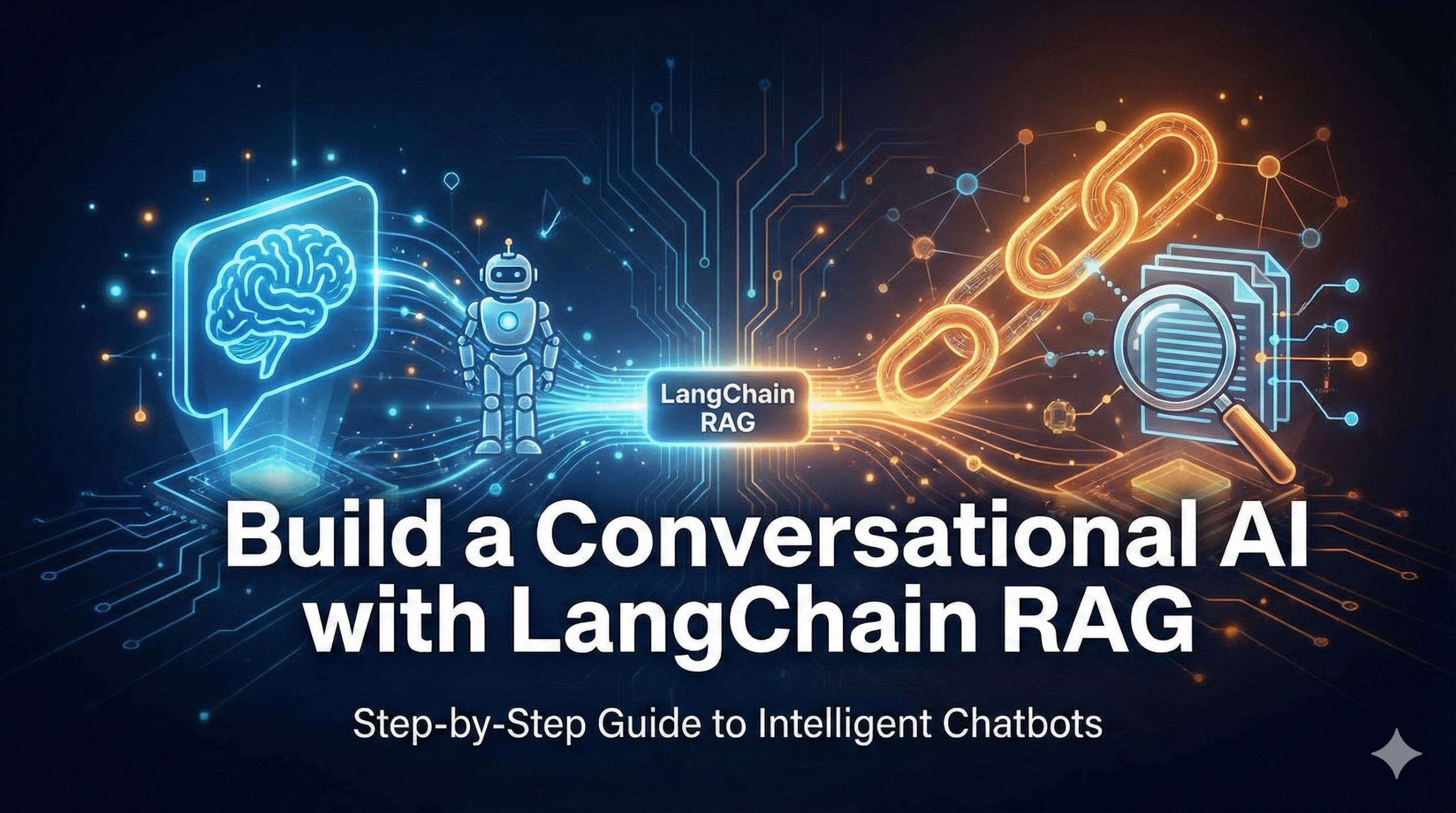
Build a Conversational AI with LangChain RAG
Master retrieval-augmented generation to create intelligent chatbots that remember context, access custom knowledge, and deliver accurate, domain-specific responses
Introduction: Why RAG Transforms Conversational AI
Large language models like GPT-4, Claude, and Gemini possess remarkable conversational abilities but suffer from critical limitations that prevent them from serving as reliable enterprise chatbots: their knowledge cutoffs leave them unaware of recent events and company-specific information, they hallucinate facts when uncertain rather than admitting knowledge gaps, and they lack access to private data repositories containing the proprietary information users need.
Retrieval-Augmented Generation (RAG) solves these fundamental problems by connecting language models to external knowledge sources. Instead of relying solely on training data frozen at a cutoff date, RAG systems dynamically retrieve relevant information from document repositories, databases, APIs, or knowledge graphs at query time and inject that context into the model’s prompt. Learn more about AI chatbot development best practices in our comprehensive guide.
Retrieval-Augmented Generation (RAG) is an AI architecture pattern that enhances large language model responses by retrieving relevant information from external knowledge sources, converting user queries into semantic embeddings, searching vector databases for similar content, and injecting retrieved context into prompts—enabling models to answer questions with current, accurate, domain-specific information beyond their training data. Read more about RAG in the original research paper.
Understanding RAG Architecture: How It Works
RAG systems operate through two distinct phases: an offline indexing phase that processes and stores knowledge, and an online retrieval phase that serves user queries. During indexing, documents are chunked into manageable segments (typically 200-1000 tokens), converted into high-dimensional vector embeddings, and stored in specialized vector databases optimized for similarity search. For more on choosing the right vector database, check our detailed comparison.
Why LangChain for RAG Implementation
LangChain emerged as the de facto standard for building RAG applications through its comprehensive abstractions over complex AI orchestration tasks. Before LangChain, developers manually integrated language models, vector databases, embedding models, and prompt templates through disparate APIs requiring hundreds of lines of boilerplate code. The official LangChain documentation provides extensive guides and examples for getting started.
| Component | Manual Implementation | LangChain Approach |
|---|---|---|
| Document Loading | Custom parsers for each file type, encoding handling, metadata extraction | 90+ built-in loaders with standardized interface |
| Text Chunking | Manual splitting logic, overlap calculation, boundary detection | RecursiveCharacterTextSplitter with semantic preservation |
| Embeddings | API integration, batching, rate limiting, error handling | Unified embedding interface supporting 15+ providers |
| Vector Storage | Database-specific SDKs, indexing logic, query optimization | 30+ vector store integrations with consistent API (see Pinecone guide) |
Prerequisites: Tools and Setup Requirements
Before building your RAG conversational AI, ensure you have the necessary tools, accounts, and foundational knowledge. This guide assumes intermediate Python proficiency including familiarity with async/await patterns, basic understanding of machine learning concepts like embeddings and similarity metrics, and comfort working with APIs and environment variables.
Required Software and Dependencies
Install Python 3.9 or higher (3.11 recommended for performance improvements). Create a virtual environment to isolate dependencies:
# Create virtual environment
python -m venv rag-env

# Activate environment (macOS/Linux)
source rag-env/bin/activate

# Install core dependencies
pip install langchain==0.1.10 \
    langchain-openai==0.0.5 \
    chromadb==0.4.22 \
    openai==1.12.0
For more details on ChromaDB setup, visit the official Chroma documentation.
API Keys and Service Accounts
Obtain necessary API credentials for language models. Create a .env file in your project root. You can get your API keys from OpenAI’s platform or Anthropic’s console.
# .env file
OPENAI_API_KEY="sk-your-actual-api-key-here"
ANTHROPIC_API_KEY="sk-ant-your-key"
Never commit API keys to version control. Add .env to your .gitignore file immediately. Use environment variables or secret management services for production deployments.
Step 1: Document Loading and Preprocessing
The foundation of any RAG system is converting unstructured documents into structured data suitable for embedding and retrieval. LangChain provides document loaders handling file format complexities, character encoding issues, and metadata extraction. For tips on optimizing document processing for AI applications, see our dedicated guide.
from langchain_community.document_loaders import (
    PyPDFLoader,
    TextLoader,
    DirectoryLoader
)
from langchain.text_splitter import RecursiveCharacterTextSplitter

def load_documents(directory_path: str):
    """Load documents from directory."""
    documents = []

    # Load PDF files
    pdf_loader = DirectoryLoader(
        directory_path,
        glob="**/*.pdf",
        loader_cls=PyPDFLoader
    )
    documents.extend(pdf_loader.load())

    return documents
Frequently Asked Questions
RAG retrieves external information at query time and injects it into prompts, while fine-tuning adjusts model weights through training on custom datasets. RAG advantages include no retraining required when knowledge changes, works with any model without customization, and costs less than fine-tuning large models. Learn more about when to choose fine-tuning vs RAG.
Optimal chunk size varies by content type and use case, typically ranging from 400-1500 characters. Technical documentation benefits from smaller chunks (400-600 chars) while long-form content needs larger chunks (1000-1500 chars) preserving context. Start with 800-1000 characters as baseline. For embedding models, check Hugging Face’s embedding guide.
Ready to Build Your RAG-Powered Chatbot?
Transform your organization’s knowledge into an intelligent conversational AI
Download Complete Code Schedule ConsultationConclusion: The Future of Conversational AI with RAG
Retrieval-augmented generation represents a paradigm shift in how organizations deploy conversational AI, bridging the gap between generic language models and domain-specific expertise. By dynamically connecting models to authoritative knowledge sources, RAG systems deliver accuracy, transparency, and adaptability impossible with standalone LLMs. Explore more AI implementation tutorials or check out LangChain’s GitHub repository for the latest updates.
About the Author: SmartStack Dev specializes in production AI systems, with extensive experience deploying LangChain-based conversational AI across enterprise environments.
© 2026 SmartStack Dev. All rights reserved. | Privacy Policy | Terms of Service | Blog
No responses yet