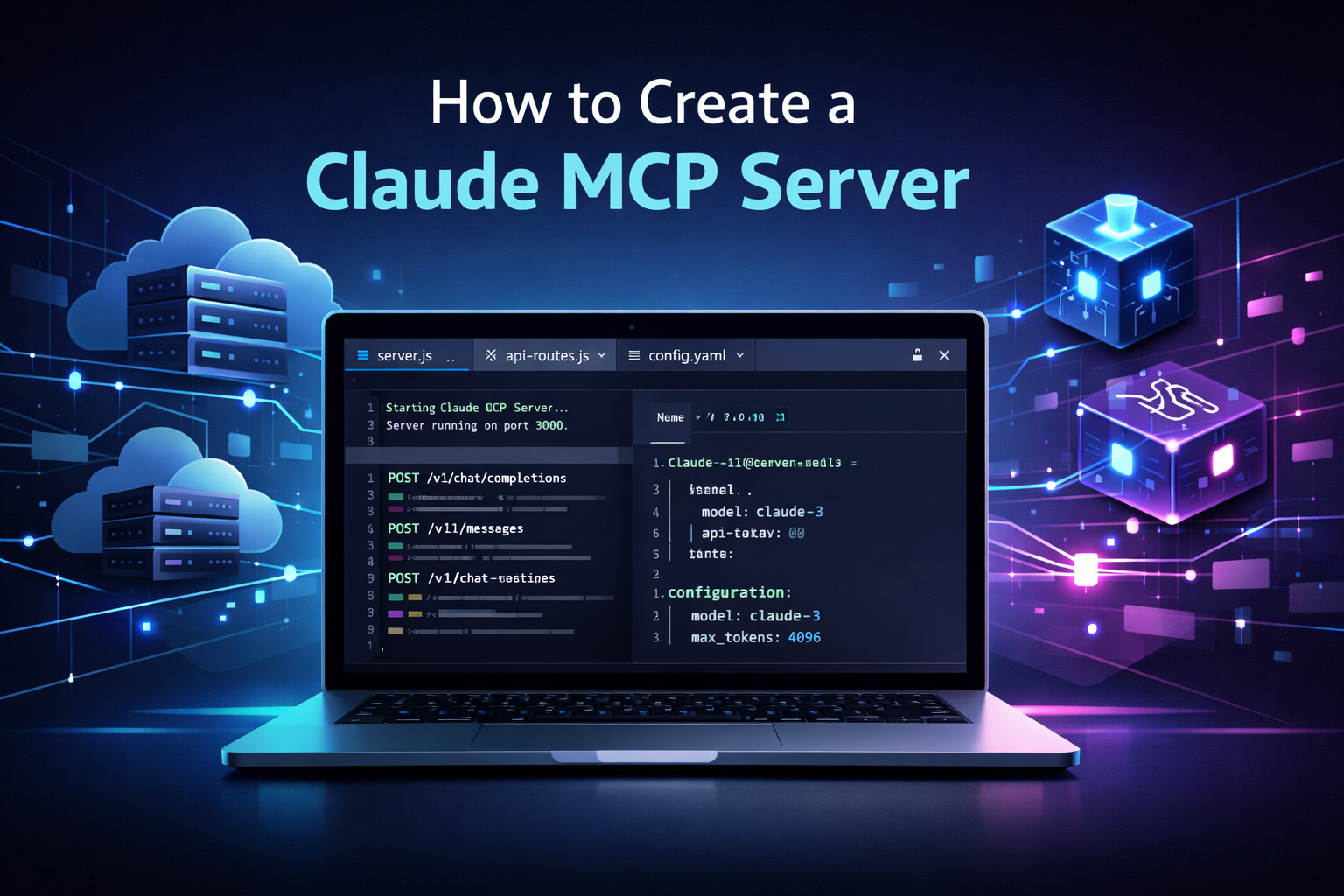
How to Create Claude MCP Server: Complete Beginner Guide
Artificial Intelligence is evolving rapidly, and now along with answering questions people also use AI models to perform actual tasks using tools. MCP (Model Context Protocol) is one of the most potent systems that make this possible. It can be used together with Claude AI to create powerful platforms to construct smart AI agents.
This blog will show you how to set up a Claude MCP server, the meaning of MCP, its significance, and how you can set up your own MCP server in simple steps with either Python or Node.js.
This tutorial is addressed to both amateurs and programmers who would like to create actual AI-powered tools.
What Is MCP (Model Context Protocol)?
MCP stands for Model Context Protocol. It is a standard way for AI models to communicate with tools, services, and data sources.
Normally, AI models only reply with text. But with MCP, the AI can:
-
- Call tools
-
- Request structured data
-
- Trigger functions
-
- Get responses from APIs
MCP acts like a common language between AI models and software tools.
So instead of writing custom logic again and again, MCP gives a fixed format to exchange:
-
- Tool definitions
-
- Inputs
-
- Outputs
-
- Errors
This makes AI integration cleaner, faster, and more reliable.
What Is a Claude MCP Server?
A Claude MCP server is a backend service that:
-
- Registers tools
-
- Handles tool requests from Claude
-
- Sends tool results back to Claude
Claude becomes the “brain” that decides what to do, and the MCP server becomes the “hands” that perform actions.
For example:
-
- User asks: “What is the weather in Delhi?”
-
- Claude decides: “I should use weather tool.”
-
- MCP server runs weather API
-
- Result goes back to Claude
-
- Claude replies to user
This system is very useful for building:
-
- AI assistants
-
- Automation tools
-
- Business dashboards
-
- Chatbots with real actions
Why You Should Create a Claude MCP Server
Here are some strong reasons to build one:
Tool-Based AI
Claude can actually perform tasks instead of only chatting.
Clean Architecture
Your tools and AI logic stay separate and organized.
Scalable Projects
You can keep adding tools without changing main AI logic.
Business Applications
Useful for customer support, reports, scheduling, and data access.
Multi-Model Future
Later, you can also connect OpenAI or other models to the same MCP tools.
System Requirements
Before starting, you need:
Option 1: Python Setup
-
- Python 3.9 or above
-
- pip package manager
-
- Virtual environment (recommended)
Option 2: Node.js Setup
-
- Node.js 18+
-
- npm or yarn
Other Requirements
-
- Claude API key from Anthropic
-
- Basic knowledge of APIs
-
- Terminal or command prompt
Since many developers prefer Python for AI projects, let us focus mainly on Python MCP server setup.
Understanding MCP Architecture (Very Important)
An MCP system has mainly 3 parts:
1.MCP Client
This is where the user or app sends messages.
Example: Chat UI, website, or CLI.
2. MCP Server
This server:
-
- Registers tools
-
- Receives tool calls
-
- Executes code
3.Tools
Each tool has:
-
- Name
-
- Description
-
- Input schema
-
- Output format
-
- Handler function
Claude talks only through MCP format, not directly with your APIs.
How to Create an MCP Server in Python (Step by Step)
Now let us build a basic MCP server.
Step 1: Create Project Folder
Create a folder:
claude-mcp-server
Move into it and create virtual environment:
python -m venv venv
source venv/bin/activate   (Linux/Mac)
venv\Scripts\activate      (Windows)
Step 2: Install Required Packages
Install MCP SDK and web server:
pip install mcp fastapi uvicorn
(Exact package names may change, but MCP Python SDK is provided officially.)
Step 3: Create Basic MCP Server File
Create file:
server.py
This file will:
-
- Register tools
-
- Start MCP server
MCP server runs similarly to API server.
Step 4: Create a Simple Tool Example
Example tool: Add two numbers
Tool has:
-
- Input: a, b
-
- Output: sum
You define tool schema and handler.
Claude will automatically decide when to use it.
Step 5: Register Tool in MCP Server
MCP server exposes:
-
- Tool list endpoint
-
- Tool execution endpoint
Once tools are registered, Claude can discover them.
Step 6: Run MCP Server
Start server:
uvicorn server:app --reload --port 3333
Now MCP server is live at:
http://localhost:3333
Claude can connect to it.
Connecting Claude to MCP Server
Now you configure Claude client with MCP endpoint.
Steps:
-
- Add Claude API key
-
- Add MCP server URL
-
- Enable tool calling
When Claude receives user input:
-
- It checks available tools from MCP server
-
- If needed, it calls tools
-
- MCP server runs handlers
-
- Results go back to Claude
-
- Claude replies to user
This is fully automatic tool usage.
Creating Custom Tools for Claude MCP Server
You can create unlimited tools such as:
Example Tools:
-
- Weather checker
-
- Database query
-
- File uploader
-
- Email sender
-
- Payment status checker
Each tool must have:
-
- Clear description
-
- Correct JSON schema
-
- Safe execution logic
Good descriptions help Claude choose correct tools.
Tool Routing: How Claude Chooses Tools
Claude uses:
-
- User message
-
- Tool descriptions
-
- Input schemas
It decides:
-
- Which tool to call
-
- What parameters to send
You do NOT need to write if-else logic.
That is the power of MCP + Claude.
Using Claude MCP Server With Frontend
You can connect MCP system with:
-
- React websites
-
- Mobile apps
-
- Admin dashboards
Flow:
Frontend → Claude API → MCP Server → Tools → Claude → Frontend
So frontend never talks directly to tools.
This improves:
-
- Security
-
- Flexibility
-
- Monitoring
Storing Tools in Database (Advanced Setup)
In large systems, tools can be stored in database:
Why store tools in DB?
-
- Dynamic tool updates
-
- Central tool registry
-
- Multi-server access
Common Setup:
-
- MySQL or PostgreSQL
-
- Tool scanner service
-
- MCP server loads tools at startup
This method is very useful for enterprise AI systems.
Security Best Practices
Important points:
Protect API Keys
Never expose Claude keys in frontend.
Validate Inputs
Avoid code injection risks.
Tool Permission Control
Do not allow dangerous operations.
Logging
Log tool calls for debugging and audits.
Rate Limiting
Prevent misuse of your MCP server.
Common Errors While Creating Claude MCP Server
Tool Not Detected
Cause: Wrong schema or missing description.
Claude Not Calling Tools
Cause: Tool not relevant or prompt unclear.
Server Not Starting
Cause: Missing packages or port conflict.
JSON Validation Errors
Cause: Schema mismatch between input and handler.
Always test tools independently before using with Claude.
Deployment: How to Host Claude MCP Server
You can host using:
VPS Server
DigitalOcean, AWS, Azure
Docker Containers
For scalable production systems
Local Network
For internal office tools
Make sure:
-
- HTTPS is enabled
-
- Firewall allows MCP ports
-
- Environment variables are secure
Real-World Use Cases of Claude MCP Server
Claude MCP server is perfect for:
Customer Support Bots
Check orders, tickets, refunds.
Business Automation
Generate reports, fetch metrics.
Developer Tools
Run scripts, manage CI pipelines.
Data Analysis
Query databases with natural language.
Smart Dashboards
AI controlling business workflows.
Future of Claude and MCP
MCP is becoming standard for AI agents.
In future:
-
- Multiple models will share same tools
-
- AI agents will run workflows
-
- Tools will act like plugins
Claude with MCP will be used in:
-
- AI employees
-
- Enterprise automation
-
- Autonomous agents
So learning MCP now is a very smart decision.
Conclusion
One of the most effective means to develop powerful AI applications that can not chat only is creating a Claude MCP server. In that case, with MCP, Claude will be able to connect to your tools, APIs and databases safely, and your AI system will be more intelligent and helpful in actual applications. Using this step-by-step process described in this guide, you can begin with a basic configuration in Python or Node.js and proceed to more sophisticated tool-based automation frameworks.
You might be creating a chatbot or a business automation system, or an internal AI assistant, but a Claude MCP server provides the flexibility, scalability, and the complete authority to control the interaction of AI with your software. Since MCP is a standard used by AI agents, learning it now will enable you to be ahead of the current times in the development of AI. Begin the simplest, test your tools, and continue to work at perfection on your system step by step. Claude and MCP can help the next generation of intelligent application power with the appropriate configuration.
Frequently Asked Questions
No responses yet