Stop Paying for API Keys:
Run Production AI Locally with Ollama
Introduction: The High Cost of Cloud AI APIs
The generative AI revolution has created an expensive dependency: developers pay thousands of dollars monthly to OpenAI, Anthropic, and other providers for API access to models like GPT-4, Claude, and Gemini. A modest application serving 100,000 queries monthly can rack up $2,000-$5,000 in API costs, while enterprise deployments easily exceed $50,000/month. These recurring expenses, combined with data privacy concerns about sending sensitive information to third-party servers, rate limiting frustrations, and vendor lock-in risks, have driven developers toward an alternative: running production-grade AI models locally.
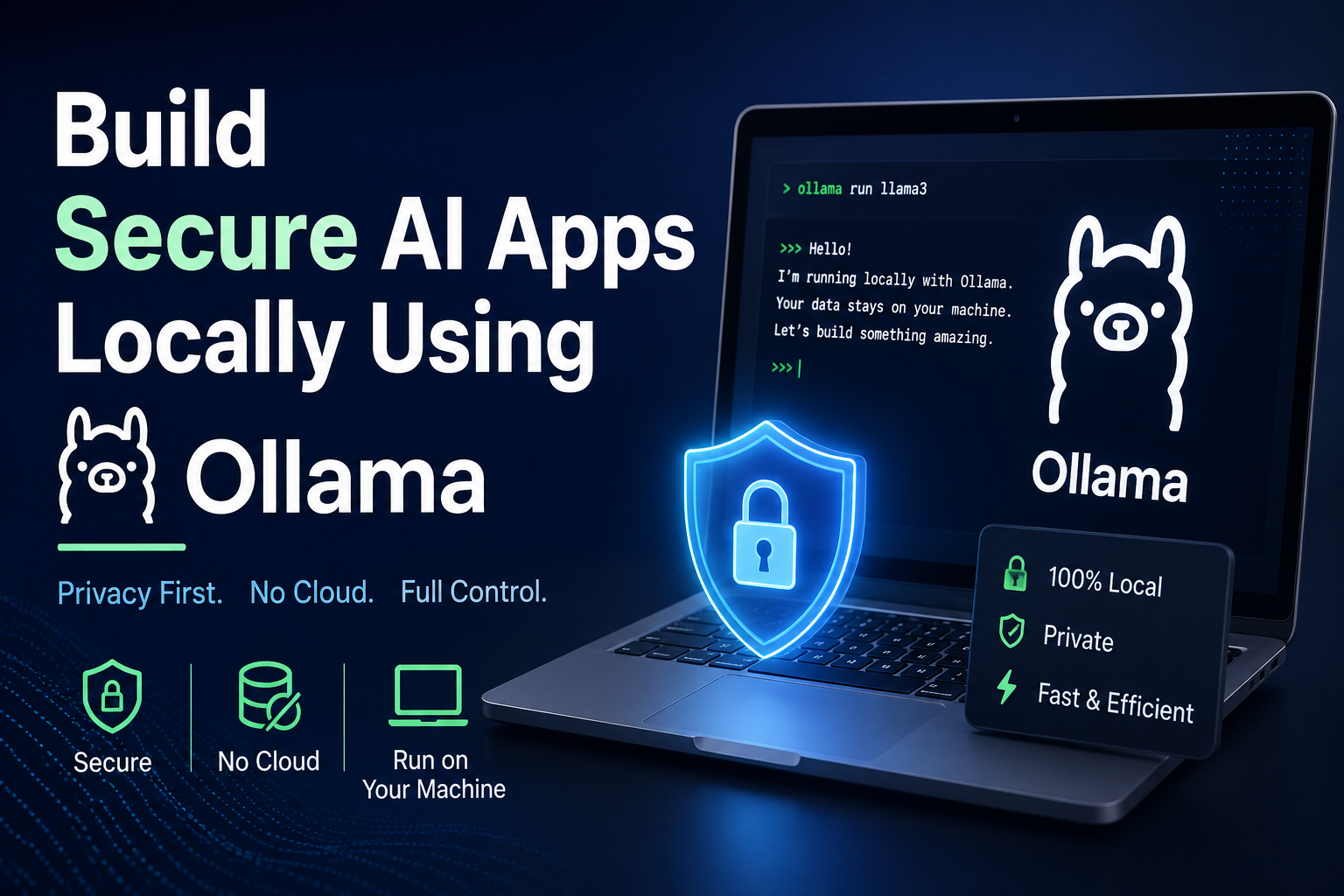
Ollama has emerged as the leading solution for self-hosted LLM deployment, making it remarkably simple to run powerful open-source models like Llama 3.1, Mistral, Phi-3, and Gemma on your own hardware—from development laptops to production servers. Unlike complex containerized deployments or manual model downloads, Ollama provides a Docker-like experience for AI models: ollama pull llama3.1 downloads and configures a model ready for inference in seconds. This simplicity, combined with zero per-token costs after initial hardware investment, has made Ollama the go-to platform for developers seeking AI independence.
This comprehensive guide explores how Ollama enables production-grade local AI deployment, covering installation, model selection, optimization techniques, cost analysis, and best practices for replacing expensive API dependencies with self-hosted intelligence. Whether you’re a startup controlling costs, an enterprise protecting sensitive data, or a developer building offline-capable AI features, Ollama provides the infrastructure for API-free AI deployment at scale.
What is Ollama and Why It Matters
Definition: Ollama is an open-source application that enables running large language models locally on macOS, Linux, and Windows systems through a streamlined CLI and REST API, handling model downloading, quantization, optimization, and serving with a user experience as simple as Docker for containers.
Ollama solves the operational complexity that historically prevented developers from self-hosting AI models. Traditional LLM deployment required understanding model formats (GGUF, SafeTensors), quantization techniques (4-bit, 8-bit), inference engines (llama.cpp, vLLM), and optimization strategies (context length, batch size, GPU layers). Ollama abstracts these complexities into a clean interface: pull a model with one command, run it with another, access it through OpenAI-compatible APIs—no PhD in ML engineering required.
The platform’s architecture leverages llama.cpp for optimized CPU/GPU inference, automatic quantization for memory efficiency, and intelligent model management handling downloads, caching, and version control. Models run in isolation without conflicting dependencies, similar to containerization but specifically optimized for AI workloads. According to Ollama’s official documentation, the platform now supports over 50 popular models and serves hundreds of thousands of developers globally.
Key Advantages of Local AI with Ollama
- Zero API costs: No per-token charges, no monthly subscriptions—only hardware investment with unlimited inference after initial setup
- Complete data privacy: All prompts and responses stay on your infrastructure—no data leaves your environment, crucial for GDPR/HIPAA compliance
- No rate limiting: Process unlimited requests simultaneously without throttling, 429 errors, or vendor-imposed restrictions
- Offline capability: Models run without internet connectivity enabling edge deployment, air-gapped systems, and reliable operation
- Model flexibility: Switch between dozens of models instantly, experiment freely, customize through fine-tuning without vendor approval
- Vendor independence: Eliminate lock-in to specific providers—your AI infrastructure belongs entirely to you
Installation and Getting Started with Ollama
Getting started with Ollama requires minimal setup—download the installer, run a few commands, and you’re serving AI models locally within minutes. The platform supports macOS, Linux, and Windows with optimized builds for each operating system.
Installation Steps
# macOS (using Homebrew)
brew install ollama

# Linux (single command install)
curl -fsSL https://ollama.com/install.sh | sh

# Windows (download installer from ollama.com)
# Or use Windows Subsystem for Linux (WSL)

# Verify installation
ollama --version

# Start Ollama service (runs as background daemon)
ollama serve
Pulling and Running Your First Model
# Pull Llama 3.1 8B model (4.7GB download)
ollama pull llama3.1

# Run model interactively
ollama run llama3.1

# Example conversation
>>> Write a Python function to calculate Fibonacci numbers
[Model generates code...]

>>> Exit the chat
/bye

# Run models programmatically via API
curl http://localhost:11434/api/generate -d '{
  "model": "llama3.1",
  "prompt": "Explain quantum computing in simple terms",
  "stream": false
}'
Available Models and Selection Guide
| Model | Size | RAM Required | Best For |
|---|---|---|---|
| Llama 3.1 8B | 4.7GB | 8GB | General-purpose, balanced performance |
| Llama 3.1 70B | 40GB | 48GB | Complex reasoning, highest quality |
| Mistral 7B | 4.1GB | 8GB | Fast inference, code generation |
| Phi-3 Mini | 2.3GB | 4GB | Lightweight, mobile/edge deployment |
| CodeLlama 13B | 7.3GB | 16GB | Programming tasks, code completion |
| Gemma 7B | 4.8GB | 8GB | Google’s model, strong reasoning |
Model selection depends on your hardware and use case. For most applications, Llama 3.1 8B provides excellent quality on consumer hardware (16GB RAM). Production servers with 48GB+ RAM can run 70B models delivering GPT-4-class performance. For resource-constrained environments, Phi-3 Mini runs on laptops with 8GB RAM. Explore the complete model library at Ollama’s model library.
Cost Analysis: API Services vs. Local Deployment
The economics of local AI deployment become compelling quickly once application scale exceeds 50,000-100,000 monthly requests. While API services appear cheaper initially (no upfront investment), self-hosted infrastructure with Ollama achieves lower total cost of ownership within 3-6 months for most production workloads.
💰 12-Month Cost Comparison (100K requests/month, 500 tokens avg)
OpenAI GPT-4 API:
- Input: 100K × 250 tokens × $0.03/1K = $750/month
- Output: 100K × 250 tokens × $0.06/1K = $1,500/month
- Total: $2,250/month × 12 = $27,000/year
Claude 3 Sonnet API:
- Input: 100K × 250 tokens × $3/1M = $75/month
- Output: 100K × 250 tokens × $15/1M = $375/month
- Total: $450/month × 12 = $5,400/year
Ollama Local (Llama 3.1 70B):
- Server: $3,000 (one-time, 48GB GPU)
- Electricity: $50/month × 12 = $600/year
- Year 1 Total: $3,600 | Year 2+: $600/year
Savings: Break-even at 1.6 months vs GPT-4, 8 months vs Claude. Years 2-5 save $5,000-$27,000 annually.
When Local Deployment Makes Financial Sense
- High-volume applications: Above 100K requests/month, self-hosting typically achieves lower TCO within 6-12 months
- Predictable workloads: Consistent usage patterns justify fixed hardware costs versus variable API pricing
- Long-term deployments: Multi-year applications amortize hardware investment across extended timelines
- Batch processing: Offline analysis, data processing, or report generation benefit from unlimited inference
- Development environments: Teams building AI features eliminate API costs for development/staging/testing
For comprehensive cost modeling, read our detailed analysis at AI deployment cost comparison guide.
Production Deployment and Optimization
Running Ollama in production requires optimization for performance, reliability, and scalability beyond basic installation. These techniques ensure local AI deployments meet enterprise requirements for latency, throughput, and availability.
Performance Optimization Techniques
# Configure GPU layers for optimal performance
# More layers = faster but more VRAM
ollama run llama3.1 --gpu-layers 35

# Adjust context window size (tradeoff: memory vs capability)
ollama run llama3.1 --ctx-size 4096

# Enable flash attention for 2x speedup
ollama run llama3.1 --flash-attn

# Batch multiple requests for throughput
# Configure in Ollama server settings
OLLAMA_MAX_BATCH_SIZE=32 ollama serve
Building Production APIs with Ollama
# Python FastAPI integration
from fastapi import FastAPI
import httpx

app = FastAPI()

@app.post("/generate")
async def generate_text(prompt: str):
    async with httpx.AsyncClient() as client:
        response = await client.post(
            "http://localhost:11434/api/generate",
            json={
                "model": "llama3.1",
                "prompt": prompt,
                "stream": False
            },
            timeout=60.0
        )
        return response.json()

# Run with: uvicorn app:app --host 0.0.0.0 --port 8000
Docker Deployment for Production
# Dockerfile for Ollama deployment
FROM ollama/ollama:latest

# Copy custom models or configurations
COPY ./models /root/.ollama/models

# Expose API port
EXPOSE 11434

# Start Ollama service
CMD ["serve"]

# Docker Compose for full stack
version: '3.8'
services:
  ollama:
    image: ollama/ollama:latest
    ports:
      - "11434:11434"
    volumes:
      - ollama_data:/root/.ollama
    deploy:
      resources:
        reservations:
          devices:
            - driver: nvidia
              count: 1
              capabilities: [gpu]

volumes:
  ollama_data:
For advanced production patterns including load balancing, model switching, and monitoring, explore our Ollama production deployment guide.
Frequently Asked Questions: Ollama Local AI
FACT: Minimum 8GB RAM for 7B models, 16GB RAM for optimal 8B model performance, 32GB RAM for 13B models, and 48GB+ RAM or dedicated GPU with 24GB VRAM for 70B models delivering GPT-4-class quality.
Hardware requirements scale with model size and desired performance. For development and prototyping, a MacBook with 16GB unified memory runs Llama 3.1 8B at 15-30 tokens/second—adequate for interactive use. Production deployments benefit from dedicated GPUs: NVIDIA RTX 4090 (24GB VRAM) runs 70B models at 20-40 tokens/second, while A100 (40GB/80GB) handles the largest models with batching for multi-user serving. CPU-only inference works but runs 10-20x slower—viable for batch processing but not interactive applications. Cloud instances like AWS g5.xlarge ($1.20/hour) or p3.2xlarge ($3.06/hour) provide cost-effective GPU access without capital investment. For budget-conscious deployments, used server GPUs (Tesla P40, V100) offer excellent price-performance for local inference. Check official hardware recommendations at Ollama’s GitHub documentation.
FACT: Llama 3.1 70B on Ollama achieves 85-90% of GPT-4 quality on most tasks while Claude 3 Opus remains superior for complex reasoning—but Ollama delivers 10-50x lower cost and complete data privacy, making quality tradeoffs acceptable for many use cases.
Performance comparisons depend on task complexity and model selection. For general text generation, summarization, and coding tasks, Llama 3.1 70B approaches GPT-3.5 Turbo quality while 8B variants match GPT-3.5 on simpler tasks. Complex reasoning, nuanced analysis, and edge cases where GPT-4 and Claude excel still favor commercial APIs—but the gap narrows with each open model release. Latency depends on hardware: well-optimized Ollama deployments with GPU acceleration achieve 20-100ms time-to-first-token, comparable to API latencies, while generating 20-50 tokens/second versus cloud APIs’ 30-80 tokens/second. The practical difference rarely impacts user experience. For most business applications requiring text generation, classification, summarization, or extraction, modern open models on Ollama provide “good enough” quality at dramatically lower costs with superior privacy and unlimited scaling.
FACT: Yes, Ollama supports creating custom models through Modelfile configuration and importing fine-tuned weights from external training pipelines, enabling domain-specific customization while maintaining Ollama’s simple deployment workflow.
Fine-tuning workflows with Ollama involve training models using external tools (Hugging Face Transformers, Axolotl, LM Studio) then importing the resulting weights into Ollama for serving. Create a Modelfile specifying custom parameters, system prompts, and templates, then build a new model variant: ollama create my-custom-model -f Modelfile. This approach combines specialized training ecosystems’ flexibility with Ollama’s operational simplicity for serving. For teams without ML expertise, consider using pre-fine-tuned variants from the community—specialized models for legal, medical, coding, and other domains available through Ollama’s model library. While Ollama doesn’t provide native training infrastructure, its Modelfile system makes deploying custom models as simple as base model deployment, enabling domain adaptation without operational complexity.
FACT: Ollama handles concurrent requests through request batching and queuing—configure OLLAMA_MAX_BATCH_SIZE for throughput optimization, deploy multiple Ollama instances behind load balancers for horizontal scaling, or use model-specific serving frameworks like vLLM for maximum concurrency.
Single Ollama instances handle 5-20 concurrent requests depending on model size and hardware—sufficient for many applications. For higher concurrency, deploy multiple Ollama containers across machines and route requests through nginx or HAProxy load balancers distributing traffic. Each instance serves its own model copy utilizing available GPU/CPU resources. Alternatively, graduate to specialized serving frameworks: vLLM provides continuous batching and PagedAttention achieving 10-20x higher throughput for production scale, while TensorRT-LLM offers NVIDIA-optimized inference for maximum performance. Ollama excels at simplicity and rapid deployment; production systems with hundreds of concurrent users often combine Ollama for development/staging with optimized serving infrastructure for production. Monitor request queuing latency—if requests wait >1 second, add instances or optimize batch size.
Conclusion: The Case for AI Independence
The shift from API-dependent to self-hosted AI infrastructure represents more than cost optimization—it’s about control, privacy, and long-term sustainability. Ollama has democratized local AI deployment, making it accessible to individual developers and enterprises alike without requiring ML engineering expertise or complex infrastructure. The platform’s Docker-like simplicity combined with powerful optimization capabilities enables running production-grade models that rival commercial APIs in quality while eliminating recurring costs, data privacy concerns, rate limiting frustrations, and vendor lock-in risks.
For applications processing sensitive data (healthcare, finance, legal), self-hosted AI isn’t optional—it’s mandatory for compliance. For high-volume services (>100K requests/month), the economics favor local deployment with payback periods under 6 months. For developers building AI-native products, Ollama provides the foundation for unlimited experimentation and rapid iteration without budget constraints or API throttling. The open-source model ecosystem continues improving rapidly—today’s Llama 3.1 70B approaches GPT-4 quality on many tasks, while tomorrow’s releases will close remaining gaps.
Success with Ollama requires matching model selection to hardware capabilities, optimizing inference for production workloads, implementing proper monitoring and scaling strategies, and continuously evaluating new models as they release. The investment in self-hosted infrastructure pays dividends through cost savings, enhanced privacy, unlimited scalability, and independence from vendor decisions. Whether you’re a startup controlling burn rate, an enterprise protecting customer data, or a developer building the next AI-powered product, Ollama provides the infrastructure for API-free intelligence at any scale. Explore comprehensive implementation guides and best practices at SmartStackDev.
Ready to Deploy Local AI with Ollama?
Master Ollama implementation with expert guidance on model selection, hardware optimization, production deployment, and cost-effective scaling strategies that eliminate API dependencies.
Consult Our Ollama Experts Explore Local AI Solutions Read More AI GuidesRelated Resources: Open Source LLM Comparison | GPU Selection for AI | AI Deployment Strategies | Model Optimization Guide


No responses yet