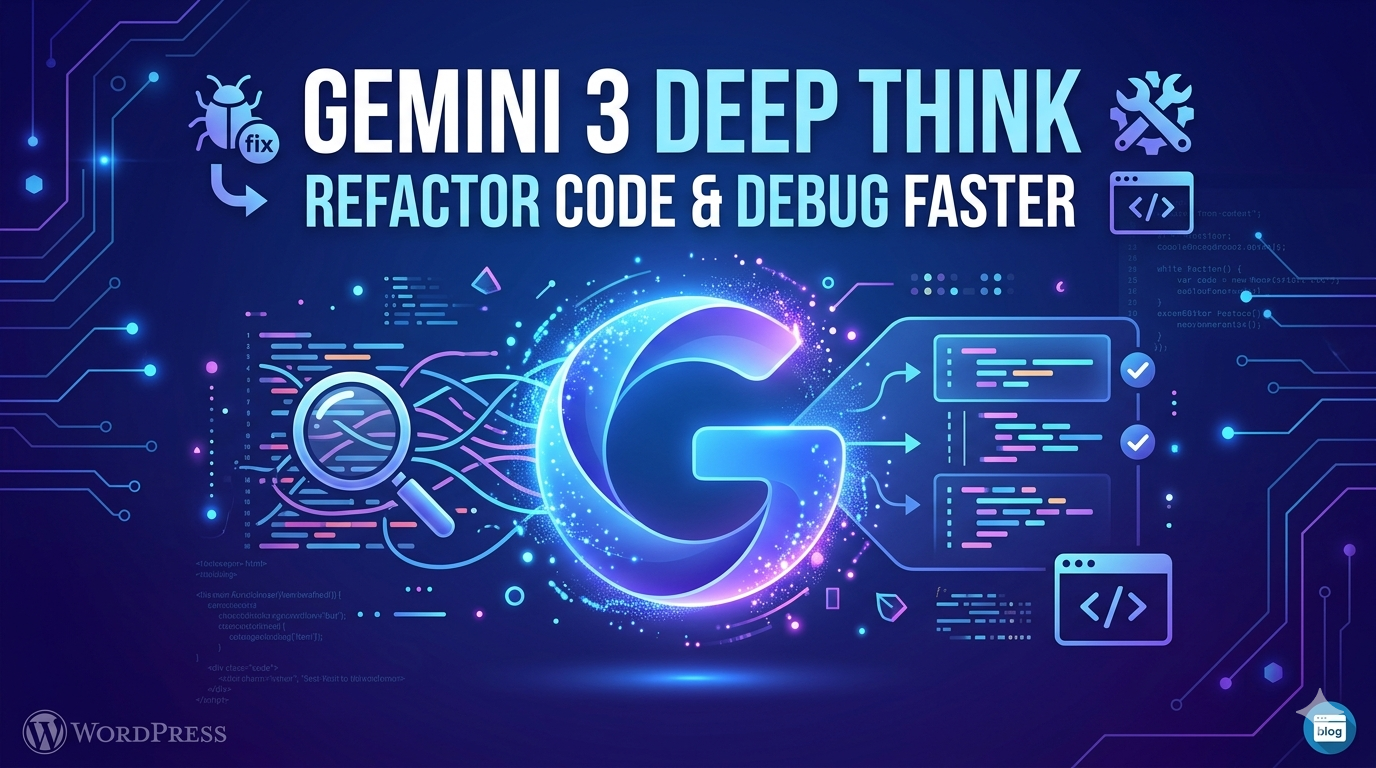
Gemini 3 Deep Think:
Refactor Code &
Debug Faster
Google’s most powerful reasoning mode is here — and it thinks before it speaks. Here’s why Gemini 3 Deep Think is changing how developers approach complex code problems.
Every developer knows the feeling: you are staring at a function that works but makes you wince every time you open it. Nested conditionals four levels deep, variable names like temp2, no error handling in sight. You know it should be refactored — but the cognitive load of untangling it, while simultaneously keeping the tests green, feels like defusing a bomb in the dark. Now imagine having a collaborator who not only understands exactly what the code is trying to do, but can reason through the refactor step by step, flag the edge cases you would have missed, and hand you back something clean. That is precisely what Gemini 3 Deep Think was built for.
Released as part of the Gemini 3 family by Google DeepMind, Deep Think is not merely a faster or bigger language model. It is a fundamentally different mode of AI reasoning — one that takes extra time to think before generating output, much like a senior engineer who pauses to sketch out an approach before touching the keyboard. For coding tasks — especially refactoring legacy code and debugging tricky issues — that difference in approach turns out to matter enormously.
01 What Is “Deep Think” Mode?
Standard language models generate tokens in a single forward pass — fast, fluent, but sometimes shallow. Deep Think introduces an extended reasoning phase: the model explicitly works through a chain of thought, weighing alternatives, checking its own logic, and revising intermediate conclusions before producing a final response. Think of it as the difference between a developer who types the first solution that comes to mind, versus one who whiteboard-designs the architecture before writing a single line.
This reasoning-first approach is particularly powerful for two developer pain points: refactoring (restructuring code without changing its behaviour) and debugging (finding and fixing the root cause of a failure, not just its surface symptom). Both tasks require holding a mental model of the system, anticipating side effects, and thinking several steps ahead. Deep Think was designed precisely for that kind of multi-step, high-stakes reasoning.
02 Refactoring — From Messy to Maintainable
Refactoring is one of those tasks that is deceptively simple to describe and genuinely hard to execute well. The goal is to improve the internal structure of code without altering its external behaviour. Done poorly, refactoring introduces regressions, breaks downstream dependencies, or just trades one form of confusion for another. Done well, it makes a codebase dramatically easier to understand, test, and extend.
Gemini 3 Deep Think approaches refactoring requests with a structured analysis phase. It first maps the existing logic — identifying what each section is actually responsible for — then proposes a restructuring plan before rewriting. Here is a practical example. Consider this fragile Python snippet:
def process(d):
  if d is not None:
    if 'user' in d:
      if d['user']['age'] > 18:
        return d['user']['name']
  return None
def get_adult_name(
    data: dict | None
) -> str | None:
  """Return name if user is adult."""
  user = (data or {}).get('user', {})
  if user.get('age', 0) > 18:
    return user.get('name')
  return None
The result is not just cosmetically cleaner. Deep Think has added a type signature, a docstring, flattened the nested conditionals into a single readable flow, and guarded against missing keys using .get() — all while preserving the original logic exactly. Crucially, it also flags in its explanation that the original code would raise a KeyError if 'age' was missing from the user dict — a silent bug that the original author likely never noticed.
03 Debugging — Finding the Root, Not the Symptom
Where Deep Think truly earns its name is in debugging. Most AI coding tools are good at spotting obvious syntax errors or suggesting fixes for common patterns. Deep Think goes further: it can reason about why a bug exists, not just where it manifests. Given a failing test, a stack trace, and the relevant source files, it will reason through the call chain, hypothesise candidate root causes, and rank them by likelihood before suggesting a fix.
Root Cause Analysis
Reasons through the full call chain — not just the line that threw the error.
Edge Case Detection
Identifies inputs that would cause silent failures, off-by-one errors, or unexpected None values.
Test Suggestions
Proposes targeted unit tests that would have caught the bug — and future regressions.
Explains Its Reasoning
Shows the full chain of thought so you learn, not just copy-paste the fix.
This is significant. One of the most frustrating patterns in software engineering is fixing the symptom — patching the line that crashes — without addressing the underlying cause, which then resurfaces in a different form two sprints later. Deep Think’s extended reasoning phase makes it substantially less likely to fall into this trap. It considers the broader context before recommending a change, and will often note if a proposed fix is treating a symptom rather than the disease.
04 Benchmark Performance
On SWE-bench — the industry-standard benchmark for evaluating AI on real-world GitHub issues — Gemini 3 Deep Think achieved top-tier performance, demonstrating its ability to resolve complex, multi-file software engineering problems. Its 2-million-token context window means it can hold an entire large codebase in context simultaneously, allowing it to trace dependencies and side effects across files in ways that smaller-context models simply cannot. For enterprise codebases with hundreds of interconnected modules, this is a game-changer.
05 Practical Workflow Integration
Deep Think is accessible via the Google AI Studio API and integrates with popular developer environments. You can invoke it directly in your IDE through the Gemini Code Assist plugin, pipe it into CI pipelines for automated code review, or use it interactively in a chat interface for exploratory debugging sessions. The reasoning traces are visible, which means you are not just receiving a black-box answer — you can follow the model’s logic, spot if it made a faulty assumption, and correct course mid-conversation.
For teams thinking about AI deployment closer to the development environment — including edge and local use cases — the principles of efficient model reasoning explored here connect directly to strategies like those covered in our article on Gemma 4 optimisation for Edge AI and local deployment. While Deep Think runs in the cloud for maximum reasoning power, understanding model efficiency trade-offs is increasingly important as AI becomes embedded throughout the development stack.
06 Who Benefits Most?
Deep Think is not a replacement for developer judgment — it is an amplifier of it. The developers who get the most from it are those who bring context: a clear description of what the code should do, the failing test or error message, and any relevant constraints. Given that information, Deep Think can work at a level of thoroughness and patience that is genuinely difficult to sustain for hours at a time as a human. It does not get bored, does not skip steps under deadline pressure, and does not assume it already knows the answer before reading the code carefully.
Senior engineers will find it most useful for accelerating the unglamorous but critical work of code health — the refactors that always get deprioritised, the legacy functions everyone is afraid to touch, the debugging sessions that eat an entire afternoon. Junior developers will benefit from its transparent reasoning: Deep Think does not just give you a fix, it shows you how it got there, making it a genuine learning tool as well as a productivity one.
↗ The Bottom Line
Gemini 3 Deep Think represents a meaningful step forward in what AI can do for software development — not by writing more code faster, but by thinking about code more carefully. Its extended reasoning mode makes it uniquely suited to the two tasks that consume the most developer energy and cause the most anxiety: cleaning up the code that works but shouldn’t, and hunting down the bug that shouldn’t exist but does.
The best analogy is not autocomplete — it is a pair programmer who actually reads the whole file before suggesting a change. In a profession where the cost of a missed edge case can be a production incident at 2am, that kind of careful, systematic thinking is not just nice to have. It is exactly what the job demands.
Whether you are a solo developer trying to ship faster, or an engineering team looking to build a culture of code quality, Gemini 3 Deep Think is a tool worth putting in your workflow.
≈ 1,300 words



No responses yet